Practical answers for making Years of Wonder calls feel light, playful, and meaningful. Skim what you need.
1
How long should a Years of Wonder call last?
There is no perfect length. The best call is usually the one that ends while the child still feels good about it.
As a starting point:
Age
A good starting length
2 to 3 years
5 to 10 minutes
3 to 5 years
10 to 15 minutes
5 to 7 years
10 to 20 minutes
8 to 12 years
15 to 30 minutes
These are not rules. Some toddlers will happily play for twenty minutes. Some nine-year-olds may only want seven good minutes before moving on. That is okay.
2
What is a good call cadence?
Predictability matters more than perfection.
A weekly call is wonderful if the family can manage it. Every other week can also work well. Monthly is still meaningful, especially when the call has a special ritual or activity attached to it.
For many families, the best rhythm is:
a short, simple check-in most weeks
a more playful Years of Wonder activity once a month
Younger children often benefit from shorter, more frequent contact, because repetition helps them remember the person, the routine, and the game. Older children may enjoy less frequent but richer calls, especially when the activity respects their growing independence.
The most important thing is to create a small pattern the child can recognize:
the same silly opening question
the same secret handshake on screen
the same closing phrase
the same day or time, when possible
A ritual makes the relationship easier to return to.
3
Any tips for keeping a child engaged?
The most important tip is to keep engagement light, playful, and pressure-free.
Children do not always show engagement by sitting still and following instructions. Sometimes they listen while moving. Sometimes they leave and come back. Sometimes they turn the activity into something else entirely.
That is normal. Try to treat it as information, not misbehavior.
A few ways to keep the child involved:
Follow their lead.“Oh, you found your truck. Can your truck help us find the stuffed animal?”
Make the activity smaller.Instead of a full game, try one tiny step. “Can you show me one blue thing?”
Give them a job.“You are the director. Tell me where to look next.”
Use movement.“Run and find something soft. I’ll count to ten.”
Pause and narrate.“I’ll wait right here while you look. I wonder what you’ll bring back.”
End warmly when they are done.“That was fun. Let’s save the rest for next time.”
The goal is not to finish the card. The goal is to keep the connection warm.
With older kids and teens, going off-script can be a gift. If your grandchild starts telling you about a game, a song, a friend, a pet, a joke, or something that happened at school, follow that thread. The activity did its job. It opened the door.
4
How much prep time do I need?
Most Years of Wonder activities require no preparation. Open the card, read the prompt, and begin.
Some activities are better with a little preparation, especially if they involve objects, photos, or a personal story. We try to make the prep feel light and useful, not like homework.
Think of prep in four levels:
Prep level
Time
Example
No prep
0 minutes
Open a question card and ask it.
Quick grab
1 to 2 minutes
Find a spoon, hat, photo, toy, sock, or stuffed animal.
Tiny story prep
3 to 5 minutes
Think of one short memory to share.
Special setup
10 to 15 minutes
Hide objects, collect family photos, prepare a mini mystery.
For story cards, you do not need a polished story. A good grandparent story can be very short.
Try this simple structure
“When I was your age…”
One specific detail. A place, smell, sound, object, person, or mistake.
One question back to the child.
For example
“When I was your age, I had a red lunchbox with a broken handle. One day it popped open and my sandwich slid across the floor. Have you ever had something silly happen at lunch?”
That is enough. Children usually do not need a perfect story. They need a doorway into your life.
5
What if the activity feels too easy or too hard?
Adjust it. The card is a starting point, not a test.
If it feels too easy, add a challenge
“Can you find two things?”
“Can you do it with your eyes closed?”
“Can you make up a harder clue for me?”
“Can we turn this into a mystery?”
If it feels too hard, simplify
offer two choices instead of an open-ended question
use one object instead of several
make the child the helper
switch from thinking to moving
make the game silly instead of correct
The right level is the one that keeps the child engaged without making them feel stuck.
6
Who holds the phone?
It depends on the child, the family, and the activity.
For younger children, a parent often acts as the camera helper. They might hold the phone, point the camera around the room, help the child hear the instructions, or bring the screen closer when something funny happens.
For older children, the child may be able to hold the phone, sit at a laptop, or help run the activity themselves.
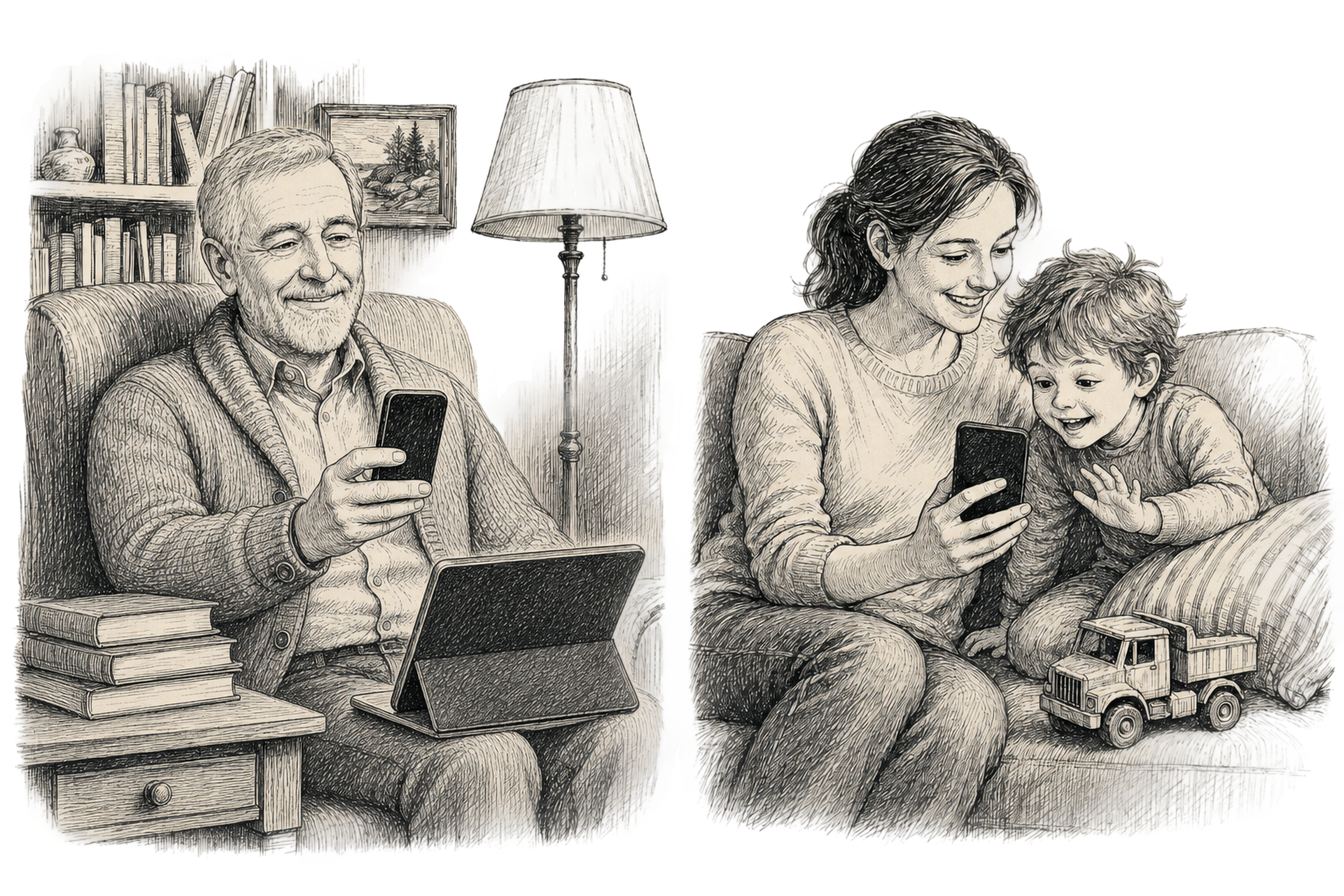
On the grandparent side, the setup can also be simple. Grandma or Grandpa can join from a phone, tablet, laptop, or desktop, whatever feels most comfortable.
Either way, talk directly to the child as much as possible.
The grown-up helper does not need to run the activity. Their main job is to help the child and grandparent see, hear, and respond to each other.
7
What devices do I need?
The simplest setup is a regular video call. Most cards are designed to work that way. Open the card, ask the question, tell the story, or use objects already in the room. Nothing else is needed.
The grandparent can join from any phone, tablet, laptop, or desktop, whatever feels most comfortable. So can the grandchild’s family.
When a second screen helps
A few cards open into a shared online experience, like a game or a virtual museum walk. For those, a second device on at least one side makes the experience easier to share. You have three ways to set it up.
Option 1
Both join the same activity.
The grandparent and grandchild each open the activity in their own browser and join the same shared session while staying on the video call together. Works well when both sides have a phone or tablet handy alongside the call.
Option 2
Share your screen.
If the call is happening on a laptop or desktop through Zoom, Teams, FaceTime, or a similar service, the grandparent opens the activity in a browser and shares the screen with the grandchild. The grandparent runs the experience, and the grandchild joins in by watching and reacting on the call.
Option 3
Point the phone at a second screen.
If the call is on a phone, the grandparent opens the activity on a laptop, tablet, or desktop, and points the phone camera at it. The grandchild sees the screen through the video feed and directs the action by voice.
You do not need a special app. Years of Wonder activities run in a browser, with options to match different families and different comfort levels.
The simplest version stays simple. Get on a call, open a card, and play. The richer setup is there when you want it.
Try before you buy
Try a free sample on your next call.
Four sample cards, sent to your inbox. No commitment. Use them whenever the next call lands.